
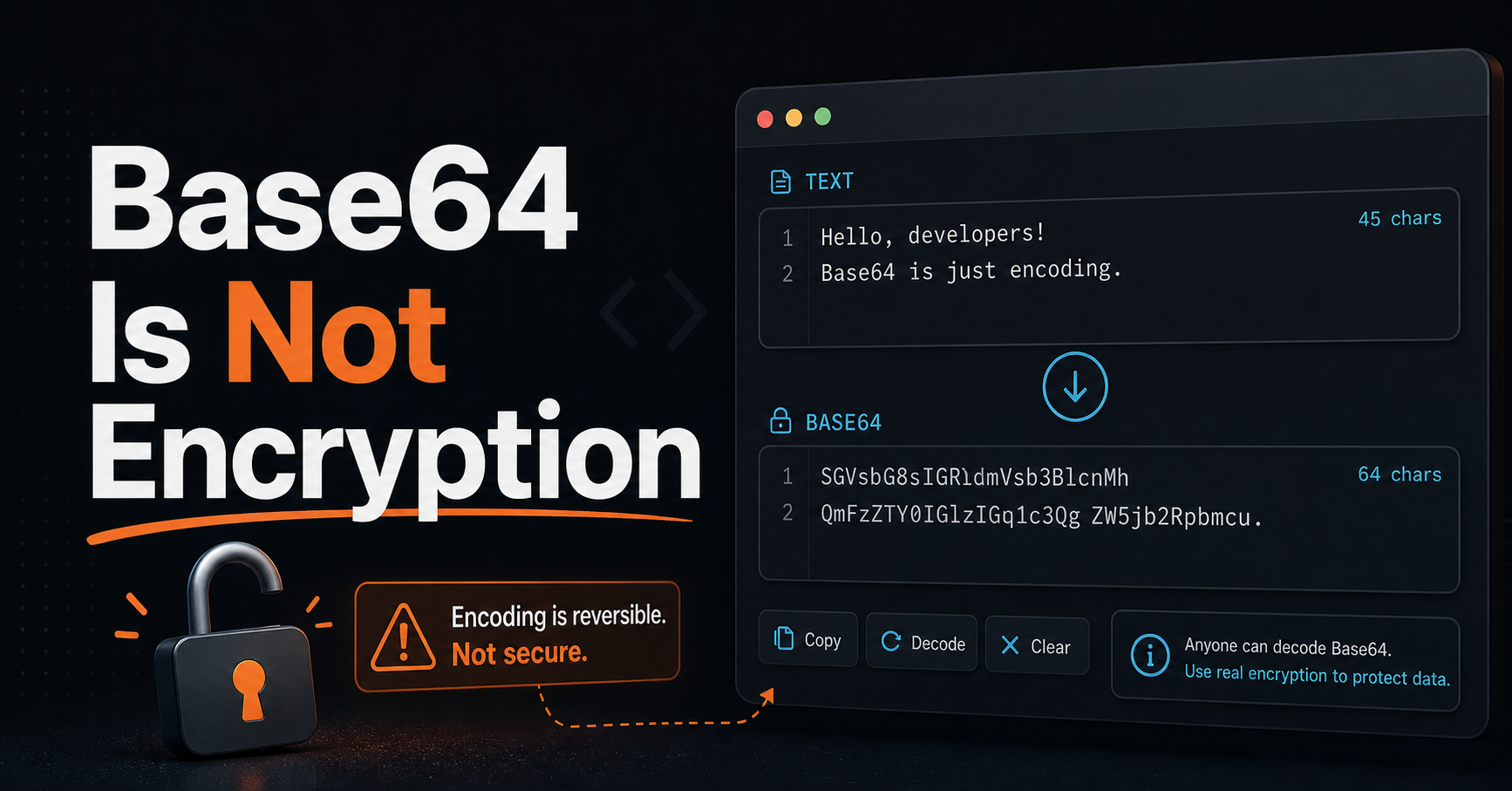
If you've ever seen code that "encodes" a password or API key in Base64 before storing it, that's a serious security mistake. Base64 is not encryption — and treating it like one is one of the most common (and dangerous) misconceptions in web development.
Let's clear this up once and for all.
What Is Base64?
Base64 is an encoding scheme that converts binary data into a string of ASCII characters using 64 printable characters (A–Z, a–z, 0–9, +, /). That's it. It's a text representation of binary data, not a security mechanism.
The name comes from the fact that it uses a 64-character alphabet. A quick example:
Input:  Hello, World!
Base64: SGVsbG8sIFdvcmxkIQ==
That == at the end? Padding. The encoded output is always a multiple of 4 characters.
Anyone Can Decode It in Two Seconds
Here's the critical thing: Base64 is fully reversible by anyone, with no key required.
// Encoding
btoa("my-secret-password")  // "bXktc2VjcmV0LXBhc3N3b3Jk"

// Decoding — anyone can do this
atob("bXktc2VjcmV0LXBhc3N3b3Jk")  // "my-secret-password"
There is no key, no secret, no algorithm to break. Base64-encoded data is as readable as plain text to anyone who knows it's Base64 — and tools like our Base64 Codec make it trivially easy.
⚠️ Aviso: Storing a password as Base64 is functionally equivalent to storing it in plain text. If your database is breached, all "encoded" passwords are instantly readable.
What Base64 Is Actually For
Base64 was designed to solve a real problem: transmitting binary data over protocols that only handle text. Here are its legitimate use cases:
Email attachments (MIME) Email was designed for plain text. Attachments are Base64-encoded so binary files (images, PDFs) can travel safely through mail servers.
Data URIs Embedding images directly in HTML or CSS:
<img src="data:image/png;base64,iVBORw0KGgoAAAANSUhEUgAA..." />
JWT payloads JWT uses Base64Url (a URL-safe variant) to encode the header and payload sections. Note: this is not for security — those parts are readable by anyone. Only the signature provides security.
Binary data in JSON JSON doesn't support binary. Base64 lets you include images or file contents in a JSON payload.
HTTP Basic Authentication headers
Authorization: Basic dXNlcjpwYXNz — this is user:pass in Base64. It's not secure on its own; HTTPS is what provides the security.
What to Use Instead
If you need actual security, use the right tool:
| Goal | Use |
|---|---|
| Store passwords | bcrypt, argon2, scrypt |
| Encrypt data you need to recover | AES-256-GCM (via Web Crypto API) |
| Sign data | HMAC-SHA256 or RSA |
| Transmit sensitive data | HTTPS (TLS) |
For passwords specifically, never encrypt them — hash them with a slow algorithm like bcrypt or Argon2. If your database is breached, hashes can't be reversed (unlike encryption). That's the point.
How to Spot the Mistake in Code
Watch out for patterns like these in codebases:
// ❌ WRONG — not secure at all
const stored = btoa(userPassword)

// ❌ WRONG — anyone can read this
const apiKey = atob(process.env.ENCODED_API_KEY)

// ✅ CORRECT — for passwords
const hash = await bcrypt.hash(userPassword, 12)

// ✅ CORRECT — for API keys, just use env vars directly
const apiKey = process.env.API_KEY
Resources
- MDN — btoa() and atob() — Browser-native Base64 functions
- OWASP Password Storage Cheat Sheet — How to store passwords correctly
- Web Crypto API — Native browser encryption
Wrap Up
Base64 is a useful tool for what it was designed for: encoding binary data for text-only protocols. It is not, and was never intended to be, a security mechanism. If you're using it to "protect" sensitive data, you're not protecting anything.
Need to encode or decode Base64 quickly? Try our free Base64 Codec — it works entirely in your browser with no data sent to any server.