
Can You Trust Your Eyes to Spot Every Change?
Two snippets can look almost identical while hiding a renamed field, a removed comma, a changed environment value or a subtle copy edit. That is exactly why developers use diff tools: they make change visible.
This guide explains how diffs work, which review habits matter, and how to use a browser-based Diff Checker when you need a quick comparison outside Git.
What a Diff Tool Actually Does
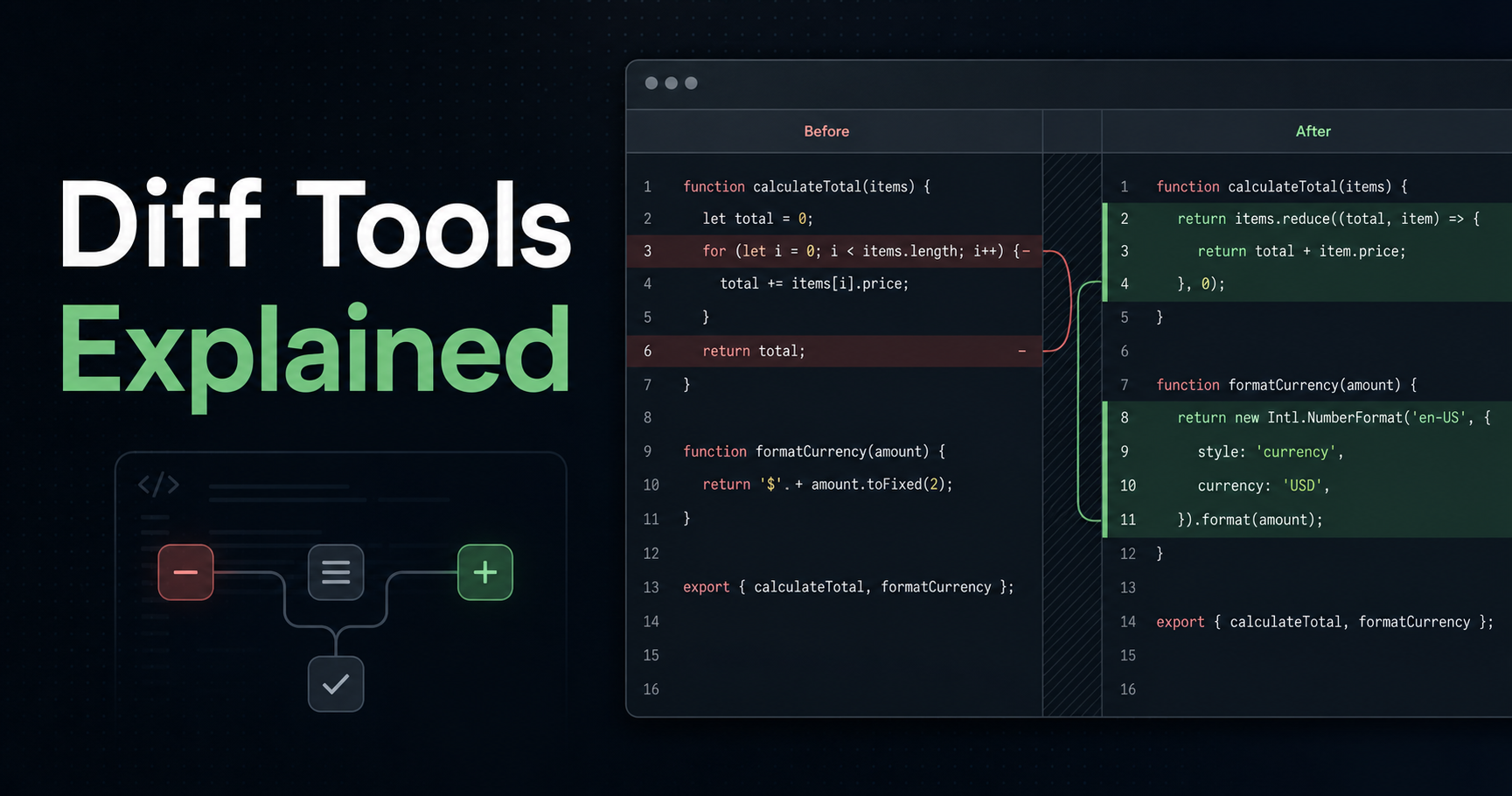
A diff tool compares two pieces of text and calculates the smallest useful set of changes between them. It usually marks removed lines, added lines and sometimes changed words inside a line.
The key idea is context. A diff is not only "what changed"; it is "where this changed in relation to the surrounding text". That context helps you decide whether a change is intentional, risky or just formatting noise.
- API_BASE_URL=https://staging.example.com
+ API_BASE_URL=https://api.example.com
  LOG_LEVEL=info
- FEATURE_BILLING=false
+ FEATURE_BILLING=true
When Diff Tools Are Better Than Manual Review
Manual review is fine for tiny edits, but it becomes unreliable with generated files, JSON payloads, environment templates, SQL queries, copied docs and translated copy. In those cases, a diff gives you a map.
Use a diff before merging config changes, comparing API responses, reviewing AI-generated text, checking release notes or validating that a refactor changed only what you expected.
Line Diffs vs Word Diffs
Line diffs are best for code, config and structured text because they preserve the shape of the file. If a line disappears, you see it immediately.
Word diffs are useful for prose and documentation. They show small copy changes inside a paragraph without forcing you to compare entire lines by memory.
⚠️ Warning: A clean diff does not mean the change is safe. It only means you can see the change. You still need tests, validation and domain knowledge.
A Practical Diff Review Workflow
First, format both inputs when the format supports it. Comparing minified JSON or messy SQL creates noise. Then compare the original and updated text, scan deletions first, and only then review additions.
For quick browser checks, paste both versions into Diff Checker. It is useful when the text is not already in a Git repository or when you want to compare two copied outputs quickly.
Resources
- Git documentation: git diff
- GNU diffutils manual
- Wikipedia: Longest common subsequence
- GitHub Docs: Reviewing changes in pull requests
Conclusion
Diff tools are not just for code. They help you review configs, docs, payloads and generated output with less guesswork. The habit is simple: compare before you trust.
Try it now in the Diff Checker.