
Docker Feels Bigger Than It Is
Docker sounds like infrastructure until you realize the daily workflow is only a few ideas: build an image, run a container, map a port, mount data when needed, and describe multi-service apps with Compose.
This article gives you the mental model and commands you need to become productive with Docker in about 20 minutes.
Image vs Container
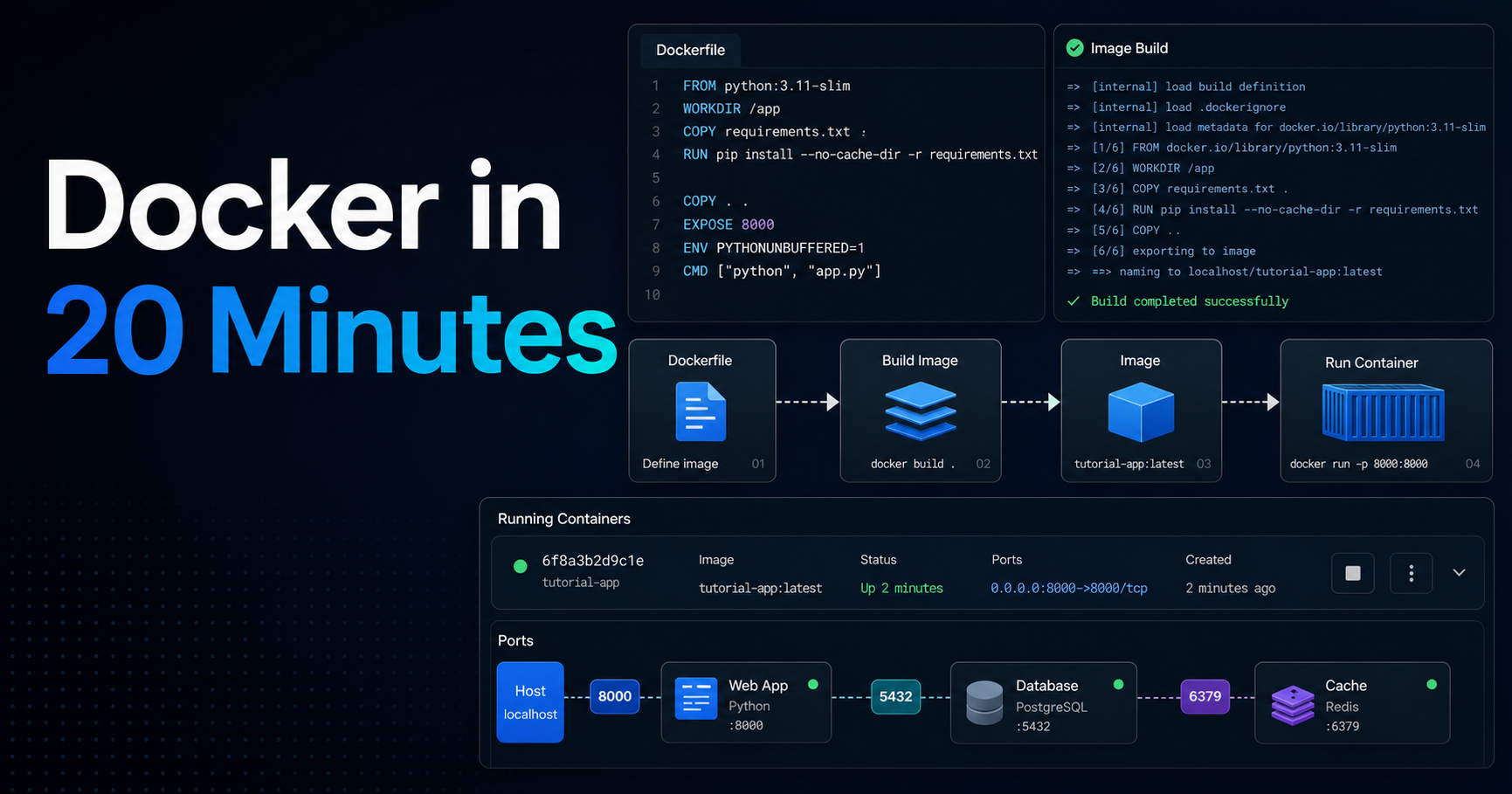
A Docker image is a packaged filesystem plus metadata: your app, dependencies, runtime and startup command. A container is a running instance of that image.
Think of the image as a class and the container as an object created from it. You can start many containers from the same image, stop them, remove them and rebuild the image when the app changes.
Your First Dockerfile
A Dockerfile is the recipe for building an image. Keep it boring at first: choose a base image, copy dependency files, install dependencies, copy the app and define the command.
FROM node:22-alpine

WORKDIR /app
COPY package*.json ./
RUN npm ci

COPY . .
EXPOSE 3000
CMD ["npm", "run", "dev"]
Build and run it:
docker build -t my-app .
docker run --rm -p 3000:3000 my-app
Ports, Volumes and Environment Variables
-p 3000:3000 maps a port from your machine to the container. Without that mapping, the app may run inside the container but remain unreachable from your browser.
Volumes persist or share files. Environment variables configure the app without baking secrets or environment-specific values into the image.
docker run --rm \
  -p 3000:3000 \
  -e NODE_ENV=development \
  -v "$PWD:/app" \
  my-app
Docker Compose for Real Apps
Most apps need more than one process: web server, database, cache, worker. Docker Compose describes those services in one YAML file so you can start them together.
services:
  web:
    build: .
    ports:
      - "3000:3000"
    environment:
      DATABASE_URL: postgres://app:secret@db:5432/app
  db:
    image: postgres:16
    environment:
      POSTGRES_USER: app
      POSTGRES_PASSWORD: secret
      POSTGRES_DB: app
⚠️ Warning: Do not commit real production secrets into Dockerfiles or compose files. Use secret managers, environment-specific config or ignored local
.envfiles.
Resources
- Docker Get Started
- Dockerfile reference
- Docker Compose documentation
- Docker image best practices
- Play with Docker
Conclusion
Docker becomes approachable when you separate the concepts: images are build artifacts, containers are running instances, ports expose services, volumes handle files and Compose wires services together.
Share this article with the next developer who says Docker is "too much" before they have tried the core workflow.