
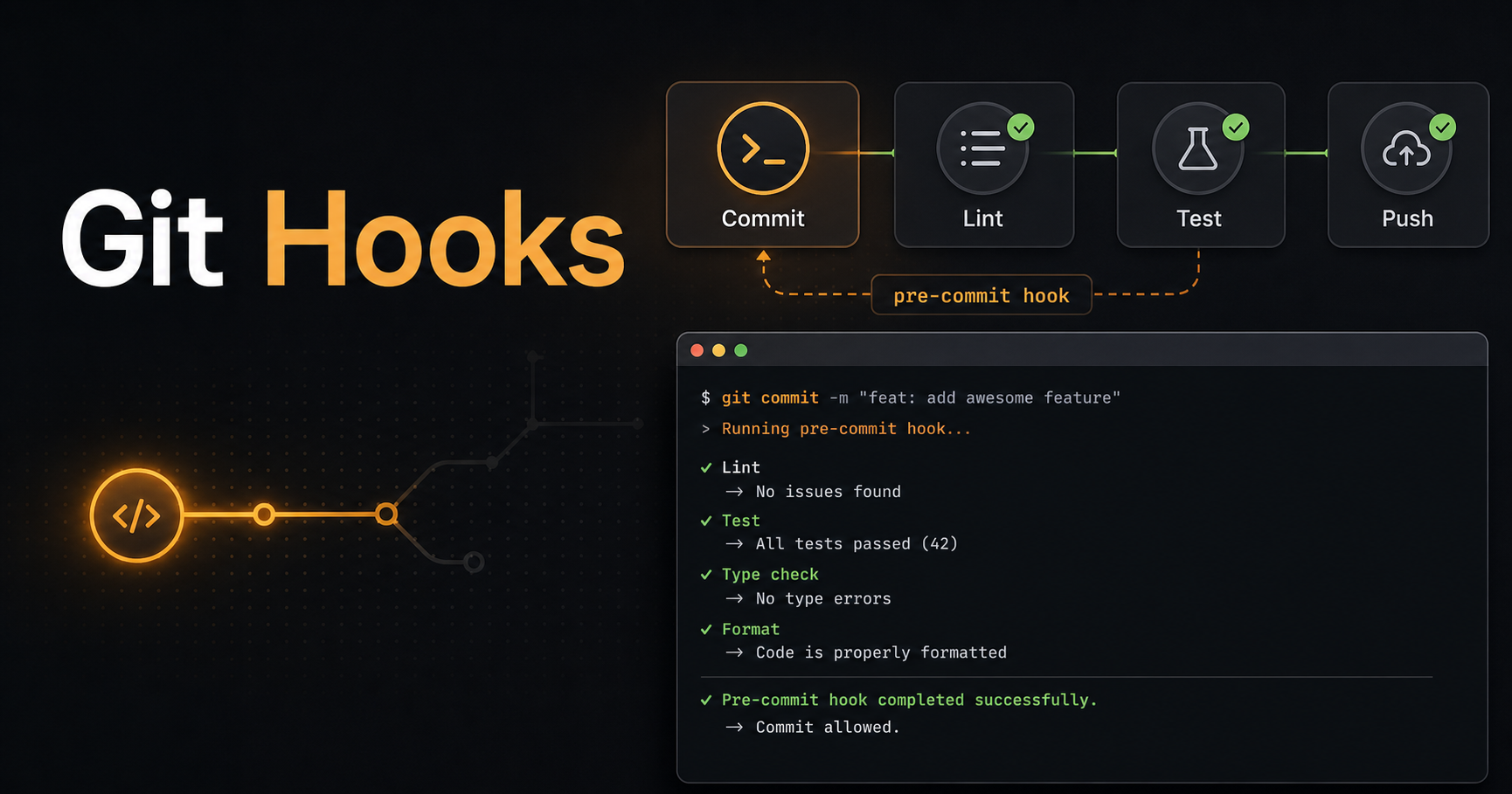
What If Git Stopped Bad Commits Before They Happened?
Git hooks are small scripts that run automatically when certain Git events happen: before a commit, after a merge, before a push, or when a commit message is created. They are not glamorous, but they save teams from repetitive mistakes.
This guide explains the hooks developers use most, where they fit in a workflow, and how to start with a useful pre-commit hook without making your repo painful.
What Are Git Hooks?
A Git hook is an executable script stored in .git/hooks or managed by a hook tool such as Lefthook, Husky or pre-commit. Git runs it at a specific moment.
The most common hooks are pre-commit, commit-msg, pre-push and post-merge. Each one should do a small job: format staged files, run lint, validate commit messages, run fast tests or refresh generated files.
# .git/hooks/pre-commit
#!/bin/sh
npm run lint
npm run typecheck
Start With Pre-Commit, Keep It Fast
The pre-commit hook runs before Git creates the commit. It is the best place for fast checks that catch obvious problems: formatting, lint, type errors in changed packages, secret scanning or generated file validation.
Keep pre-commit checks under a few seconds when possible. If the hook feels slow, developers will bypass it. Move heavier test suites to CI or pre-push.
Use Commit Message Hooks for Team Conventions
A commit-msg hook validates the message after you write it but before the commit is accepted. This is useful if your team follows Conventional Commits or generates changelogs from commit history.
Do not over-police messages. A hook should enforce structure the team actually uses, not become a grammar judge.
Hooks Are Helpful, CI Is Still Required
Hooks run on developer machines, which means they can be skipped, misconfigured or unavailable in some environments. Treat them as an early feedback layer, not as the only gate.
⚠️ Warning: Never rely on local hooks as your only security or quality control. Critical checks still belong in CI.
Resources
Conclusion
Git hooks make repetitive quality checks happen at the moment they are cheapest to fix. Start small, keep hooks fast, and let CI handle the expensive guarantees.
Share this article if your team still catches lint errors only after opening a pull request.