
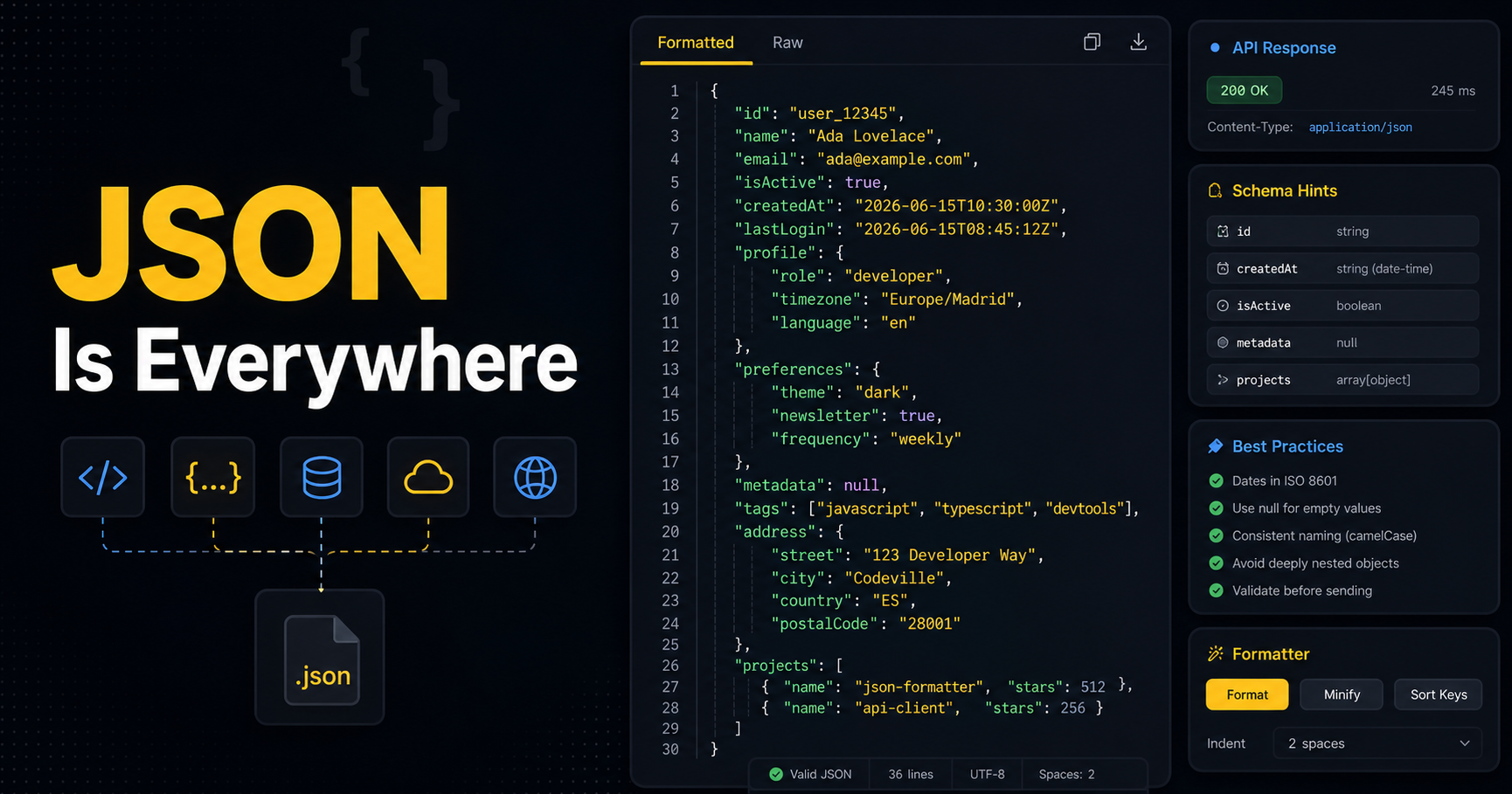
JSON is in every REST API, every config file, every webhook payload. It's so ubiquitous that most developers never stop to think about whether they're using it well. But JSON design decisions — naming conventions, date formats, error shapes — accumulate into APIs that are either a pleasure or a pain to work with.
Let's look at the patterns that matter.
Naming Conventions: Pick One and Stick to It
The JSON spec doesn't dictate key naming, so teams end up with inconsistencies. The most common conventions:
// camelCase — standard in JavaScript/TypeScript APIs
{ "firstName": "Jane", "createdAt": "2026-01-15" }

// snake_case — common in Python/Ruby APIs, PostgreSQL column names
{ "first_name": "Jane", "created_at": "2026-01-15" }

// kebab-case — rare in JSON, avoid (requires quoting in JS)
{ "first-name": "Jane" }

// PascalCase — avoid in JSON keys
{ "FirstName": "Jane" }
Rule: Use camelCase for JavaScript/TypeScript projects. Use snake_case if your backend is Python or Ruby and you're not transforming at the boundary. Never mix conventions within the same API.
Dates: Always Use ISO 8601
This is not negotiable. Dates in JSON should always be ISO 8601 strings:
// ✅ Correct — unambiguous, parseable everywhere
{ "createdAt": "2026-06-15T14:30:00Z" }
{ "birthDate": "1990-03-22" }

// ❌ Wrong — ambiguous, locale-dependent
{ "createdAt": "15/06/2026" }
{ "createdAt": "June 15, 2026" }

// ❌ Wrong — Unix timestamp as number (not self-documenting)
{ "createdAt": 1750000000 }
In JavaScript: new Date().toISOString() gives you "2026-06-15T14:30:00.000Z". That's what you want.
⚠️ Aviso: Never store dates as plain numbers without documentation. A reader seeing
1750000000has no idea if it's milliseconds, seconds, or something else entirely.
null vs. Missing Field: They Mean Different Things
// Field present with null — "we know this, it has no value"
{ "middleName": null }

// Field absent — "we don't know about this field / not applicable"
{}
Be consistent. If a field is null when empty, always include it. Don't make consumers check both key in obj and obj.key !== null.
A common pattern in REST APIs:
GET /users/1returns all fields, nullable ones asnullPATCH /users/1omits fields that aren't being updated
Avoid Deep Nesting
Deep nesting makes JSON hard to work with:
// ❌ Too deeply nested
{
  "user": {
    "profile": {
      "address": {
        "city": { "name": "Madrid" }
      }
    }
  }
}

// ✅ Flatter is easier to work with
{
  "userId": "123",
  "city": "Madrid"
}
Rule of thumb: If you need more than 3 levels of nesting, reconsider your data model.
Arrays: Be Consistent About Emptiness
// ✅ Consistent — always return an array, even when empty
{ "tags": [] }

// ❌ Inconsistent — sometimes null, sometimes array
{ "tags": null }
Return [] for empty collections, never null. This saves every consumer from having to do if (data.tags && data.tags.length > 0).
Error Shapes Matter
Consistent error responses are as important as successful ones:
{
  "error": {
    "code": "VALIDATION_ERROR",
    "message": "Email address is invalid",
    "field": "email"
  }
}
Pick a shape and use it everywhere. If you use error.message on one endpoint and errors[0].detail on another, you'll give your API consumers a headache.
Use JSON Schema for Validation
If your API handles complex input, define a JSON Schema to validate it:
{
  "$schema": "https://json-schema.org/draft/2020-12/schema",
  "type": "object",
  "required": ["email", "password"],
  "properties": {
    "email": { "type": "string", "format": "email" },
    "password": { "type": "string", "minLength": 8 }
  }
}
Libraries like ajv (Node.js) or jsonschema (Python) can validate incoming data against a schema automatically.
Resources
- json.org — The official JSON specification
- JSON Schema — Schema validation for JSON
- ajv — Fast JSON Schema validator for JavaScript
- MDN — JSON — JSON.parse, JSON.stringify reference
Wrap Up
Good JSON design is about predictability: consumers should be able to guess what your API will return without reading the docs. Use ISO 8601 for dates, camelCase for keys (or snake_case, but pick one), return empty arrays instead of null, and keep nesting shallow.
Need to format, validate, or pretty-print some JSON right now? Drop it into our free JSON Formatter — it runs entirely in your browser.