
You Are Not Prompting an Autocomplete. Start Acting Like It.
Most developers use AI coding agents the same way they used Stack Overflow: paste a problem, copy the answer, move on. That works for one-liners. It fails badly on real features.
Loop engineering is a different contract. Instead of asking for output, you design a repeatable cycle where every agent step produces verifiable evidence, and that evidence drives the next step. The result is code you can trust — not because the AI is magic, but because you built a system that catches its mistakes.
The Real Workflow: 6 Phases
Phase 1 — Specification
Don't start with code. Start with a tight spec in plain text:
Context: We have a React utility that decodes JWT tokens.
Goal: Add a "copy to clipboard" button to each decoded field.
Constraints: No new dependencies. Use the existing ClipboardButton component.
Out of scope: Persistence, history, authentication.
Definition of done: Button visible, copy works, no lint/typecheck errors.
The spec does two things: it limits scope and gives the agent a concrete pass/fail definition.

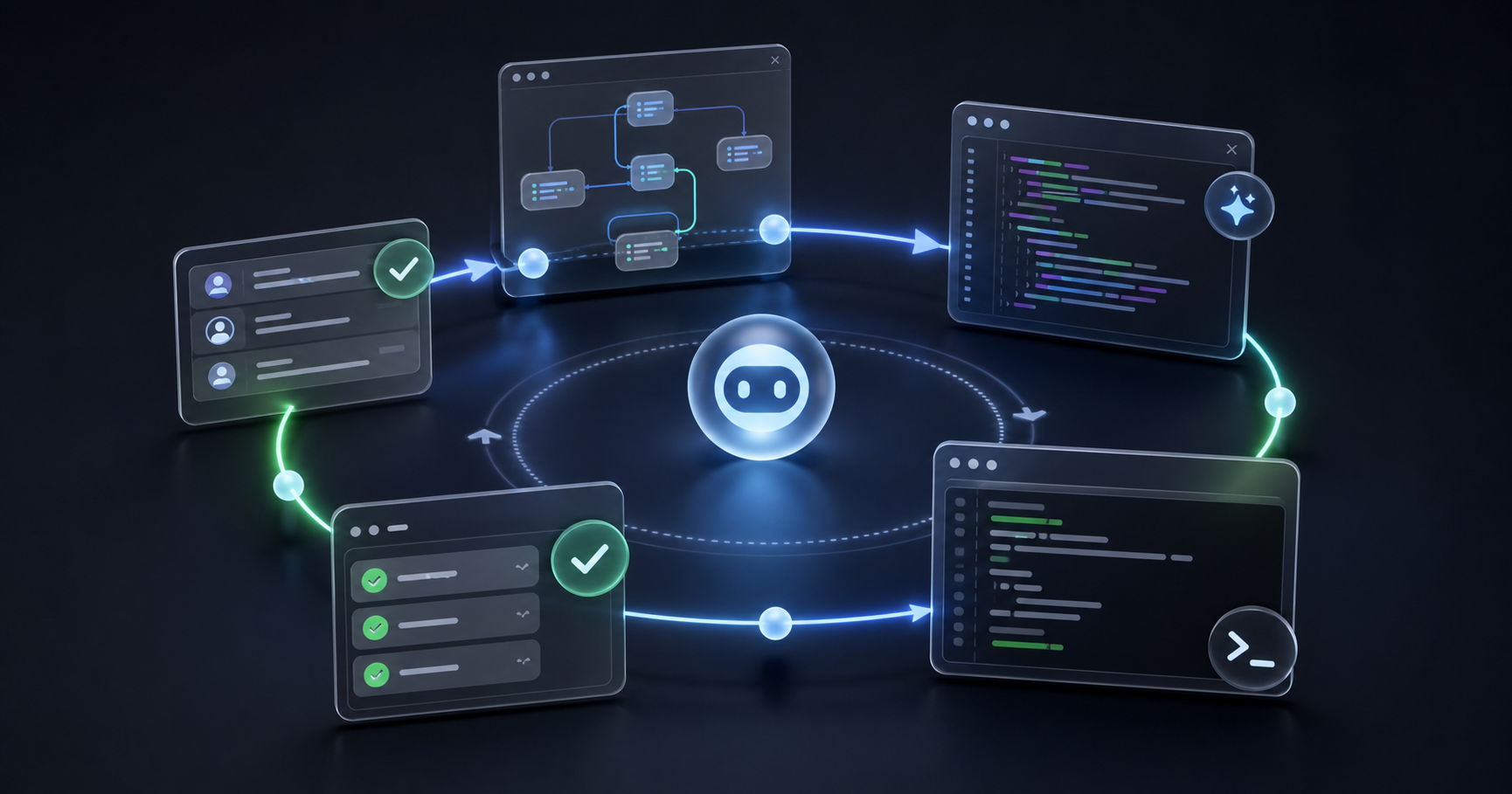
A good loop makes every step visible: spec, implementation, checks, review and documentation.
Phase 2 — Agent Implements
Hand the spec to the agent with an execution contract:
Implement the spec above. Make the smallest change that satisfies it.
Touch only the files required. Do not refactor unrelated code.
One file at a time is safer than one big diff. If the agent asks to restructure something unrelated, refuse.
Phase 3 — Lint, Typecheck & Tests
This is the only phase where the loop either earns credibility or loses it.
npm run lint        # catches style and obvious bugs
npm run typecheck   # catches type mismatches
npm test -- --watch=false  # runs the affected test suite
Feed the full output back into the next prompt. Not a summary — the raw output. The agent needs exact line numbers and error messages, not paraphrases.
Phase 4 — Review the Diff
Before iteration 2, read the diff yourself. Ask the agent for a risk summary:
List the files changed, the lines added/removed, and any risk
that a reviewer would flag (unguarded nulls, missing error handling,
type assertions, etc.).
A clean diff is narrow. If the agent changed five unrelated files, that is a scope problem, not a code problem.
Phase 5 — Second Iteration
Now you have real evidence. The second prompt is specific:
lint output:
  src/tools/jwt/JwtDecoder.tsx:42 - Unexpected any. (typescript-eslint)

Fix only that line. Do not change anything else.
Short, scoped, evidence-backed. That is what separates a good loop from copy-paste chaos.
Phase 6 — Documentation
When checks pass, close the loop:
Write a one-paragraph summary of what changed, why, and what to watch for
in future edits. Use it as the commit message body.
Documentation written while the context is fresh is always better than documentation written a week later.
Prompts: Good vs. Bad
The difference between a good prompt and a bad one is almost always specificity and scope.

Loop engineering turns vague AI assistance into a controlled feedback system.
❌ Bad prompt — vague and open-ended:
Add a copy button to the JWT decoder.
Problems: No constraints, no files mentioned, no definition of done. The agent might add a new dependency, refactor unrelated code, or implement a feature three times larger than needed.
✅ Good prompt — scoped and evidence-driven:
Add a "Copy" button to each decoded field in src/tools/jwt/JwtDecoder.tsx.
Use the existing ClipboardButton component from src/components/ui/ClipboardButton.tsx.
Do not add dependencies. Do not touch other files.
After editing, run npm run lint and npm run typecheck and report the output.
❌ Bad second iteration prompt:
There are some errors, please fix them.
✅ Good second iteration prompt:
Typecheck output:
  src/tools/jwt/JwtDecoder.tsx:42:18 - error TS2322:
  Type 'string | undefined' is not assignable to type 'string'.

Fix only that type error. Do not change other lines.
Ecosystem Tools
A loop is only as strong as its tooling. These are the tools that close the feedback cycle:
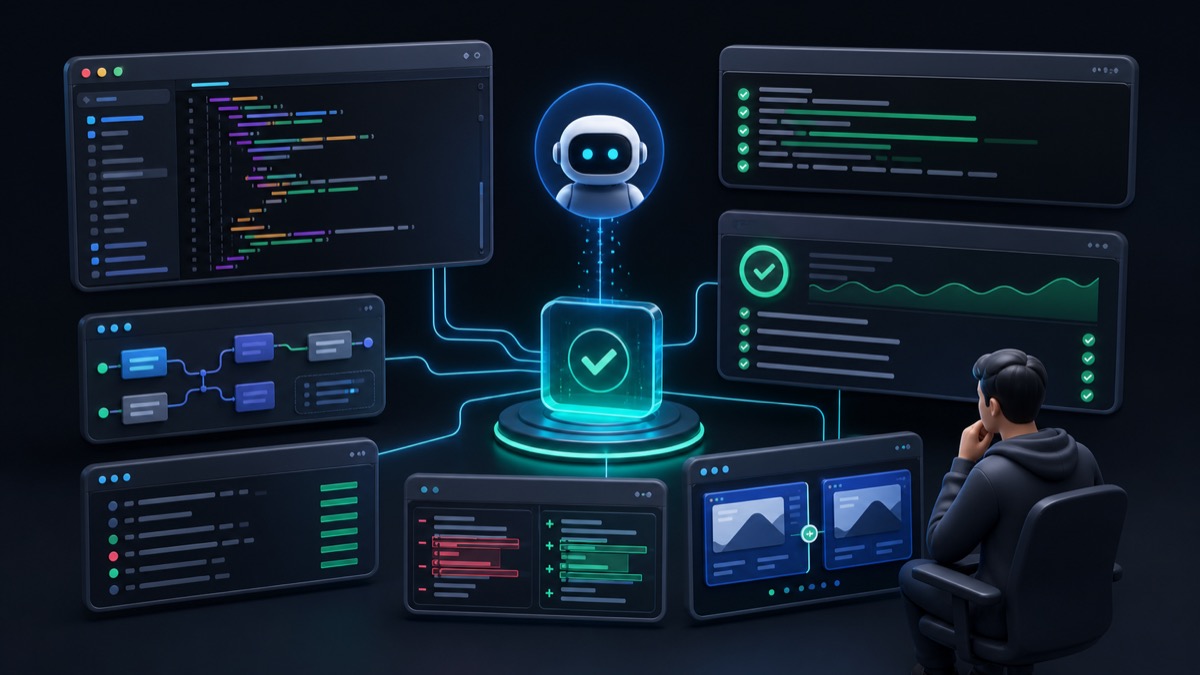
Verification tools make the loop objective: either the evidence passes, or the next iteration has a clear target.
Claude Code / Codex / Copilot rules — The .claude/CLAUDE.md, .github/copilot-instructions.md, or project rules files are the persistent context that survives across sessions. Keep them short and specific: stack constraints, forbidden patterns, naming conventions.
MCP (Model Context Protocol) — Connects the agent to real project context: open files, terminal output, browser state. An agent with MCP access does not need you to paste file contents into the prompt — it can read them directly.
Graphify — Generates a visual dependency graph of your project. Use it before a big refactor to understand what depends on what, and after to verify that the agent did not silently break an import chain.
ESLint / Biome — Your first line of defense. Configure rules that match your actual constraints (no-any, import order, no unused vars). A lint error is cheaper than a runtime error.
TypeScript (tsc --noEmit) — The second line of defense. Type errors that slip past lint become production bugs. Run it on every loop iteration.
Playwright — The third line of defense for UI changes. A Playwright test that screenshots a component before and after a change makes layout regressions visible in one command.
Practical Use Cases
Case 1: Add a new tool field. Spec the new field. Agent adds it to the component and types. Lint catches a missing export. Typecheck catches a nullable. Fix both with scoped prompts. Playwright confirms the UI renders.
Case 2: Refactor a utility function. Spec the new interface. Agent rewrites the function. Typecheck catches all call sites that break. Feed each error back one by one. Commit when the full suite is green.
Case 3: Add i18n to a new string. Spec: add key X to all 7 language files, no hardcoded strings. Agent edits all files. Lint catches a typo in one key name. Fix. Typecheck confirms the key exists in the i18n type.
Common Mistakes
Mistake 1 — Reviewing too late. Letting the agent run five iterations before reading the diff means five layers of changes to untangle. Read after every step.
Mistake 2 — Paraphrasing errors. "There are type errors" gives the agent nothing to work with. Paste the exact output.
Mistake 3 — Skipping the spec. Without a written constraint list, the agent will interpret "add a button" as permission to redesign the component.
Mistake 4 — Trusting green checks blindly. A test suite that covers 20% of the code can pass while hiding a broken edge case. Know your coverage before trusting the loop.
Mistake 5 — Not updating docs after the loop. The commit message "fix lint" loses the context. Write the why while the context is still in your head.
Loop Checklist:
- Spec written with constraints and definition of done
- Agent change is narrowly scoped (one feature, one area)
- Lint and typecheck ran and output fed back verbatim
- Diff reviewed before second prompt
- Second prompt references specific line numbers and errors
- All checks pass on final iteration
- Commit message documents what changed and why
Conclusion: Build the System, Not the Feature
Every developer who uses AI to write code eventually hits the same wall: the agent produces plausible code that breaks something subtle, and the context for why is gone. Loop engineering exists to prevent that. You are not asking AI to build features. You are building a repeatable, evidence-driven system where AI does the mechanical work and you own the decisions.
Start with one loop on your next change. Run lint and typecheck before you open a PR. Read the diff before you merge. It costs ten minutes and pays back in review time and production confidence.
Ready to practice? Try the JWT Decoder or Diff Checker in DevKnightUtils and build a loop around your next modification.