
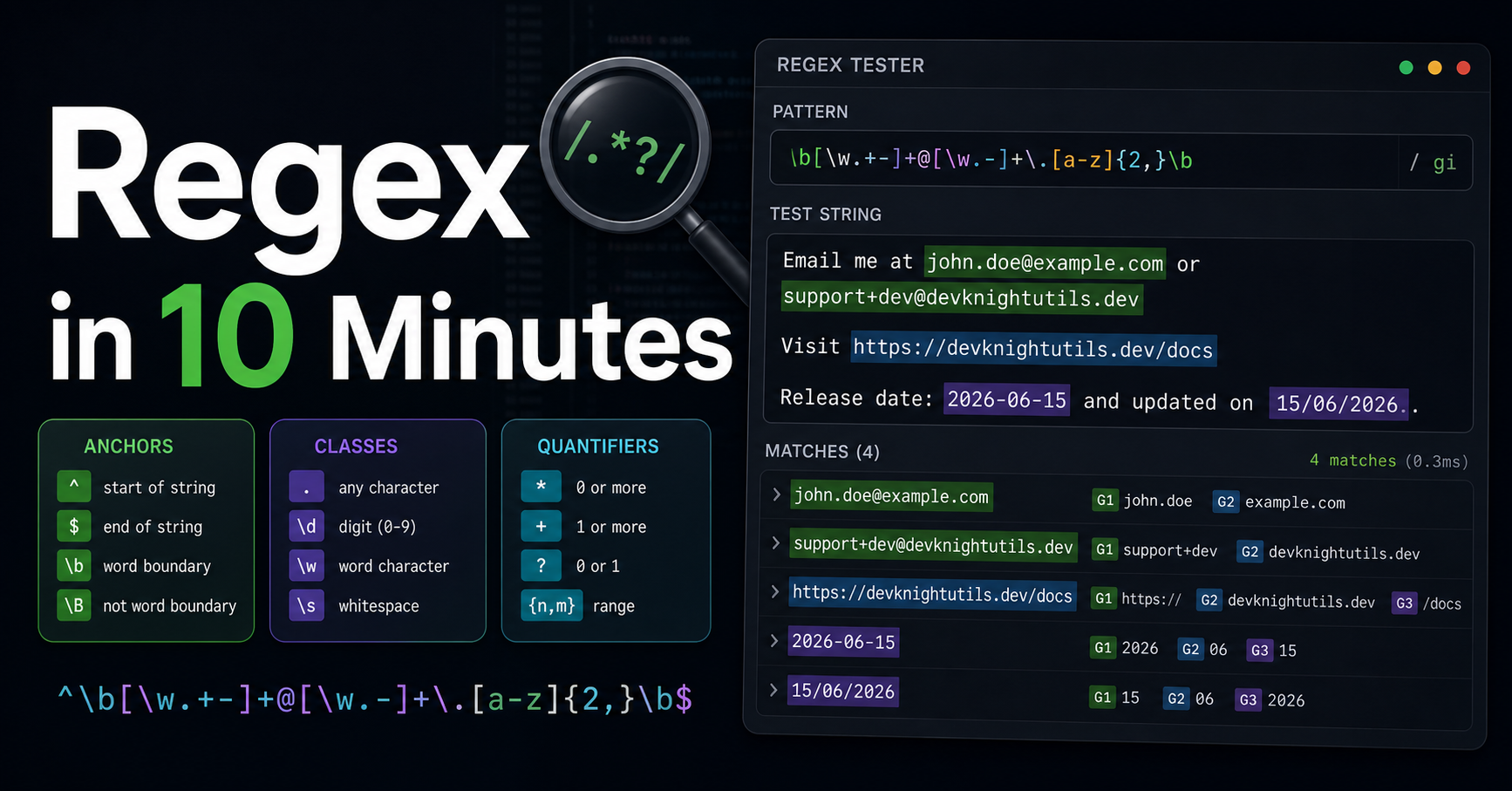
Regex has a reputation for being unreadable and scary. And honestly? Some of that reputation is deserved. But once you learn a handful of patterns, regular expressions become one of the most powerful tools in your development toolkit.
This guide covers what you need to know — with real examples you can copy and use today.
The Building Blocks
Character classes
| Pattern | Matches |
|---|---|
. |
Any character except newline |
\d |
Any digit (0–9) |
\w |
Any word character (a–z, A–Z, 0–9, _) |
\s |
Any whitespace (space, tab, newline) |
\D, \W, \S |
Negations of the above |
[abc] |
a, b, or c |
[^abc] |
Any character except a, b, or c |
[a-z] |
Any lowercase letter |
Quantifiers
| Pattern | Meaning |
|---|---|
* |
0 or more |
+ |
1 or more |
? |
0 or 1 (optional) |
{3} |
Exactly 3 |
{2,5} |
Between 2 and 5 |
{3,} |
3 or more |
Anchors and groups
| Pattern | Meaning |
|---|---|
^ |
Start of string |
$ |
End of string |
(abc) |
Capture group |
(?:abc) |
Non-capturing group |
a|b |
a or b |
Patterns You'll Actually Use
Email validation
^[a-zA-Z0-9._%+\-]+@[a-zA-Z0-9.\-]+\.[a-zA-Z]{2,}$
This covers the vast majority of valid email addresses. Note: for production, always validate emails by sending a confirmation — regex can't verify a mailbox exists.
URL
https?:\/\/(www\.)?[-a-zA-Z0-9@:%._+~#=]{1,256}\.[a-zA-Z0-9()]{1,6}\b([-a-zA-Z0-9()@:%_+.~#?&/=]*)
Matches http and https URLs. For a full URL parser, use the native URL constructor instead.
IPv4 address
^((25[0-5]|2[0-4]\d|[01]?\d\d?)\.){3}(25[0-5]|2[0-4]\d|[01]?\d\d?)$
Matches valid IPv4 addresses from 0.0.0.0 to 255.255.255.255.
Date (YYYY-MM-DD)
^\d{4}-(0[1-9]|1[0-2])-(0[1-9]|[12]\d|3[01])$
Validates ISO 8601 date format. Note: doesn't check for valid day/month combinations (e.g., Feb 31).
Password strength
^(?=.*[a-z])(?=.*[A-Z])(?=.*\d)(?=.*[@$!%*?&])[A-Za-z\d@$!%*?&]{8,}$
Requires: at least 8 characters, one uppercase, one lowercase, one digit, one special character. The (?=...) parts are lookaheads — they check a condition without consuming characters.
Hex color
^#([A-Fa-f0-9]{6}|[A-Fa-f0-9]{3})$
Matches both #fff and #ffffff formats.
Slug (URL-friendly string)
^[a-z0-9]+(?:-[a-z0-9]+)*$
Matches strings like my-blog-post-2025. Useful for validating URL slugs.
Using Regex in JavaScript
const emailRegex = /^[a-zA-Z0-9._%+\-]+@[a-zA-Z0-9.\-]+\.[a-zA-Z]{2,}$/

// Test (returns true/false)
emailRegex.test("user@example.com")  // true
emailRegex.test("not-an-email")       // false

// Match (returns array or null)
"Call us at 555-1234".match(/\d{3}-\d{4}/)
// ["555-1234", index: 10, ...]

// Replace
"hello world".replace(/\s+/g, "-")  // "hello-world"

// Split
"a, b,  c".split(/,\s*/)  // ["a", "b", "c"]
Tips
Always use the g flag for global matches — without it, match() returns only the first result.
Use raw strings or escape properly — in JavaScript, \d in a string literal needs to be \\d. In regex literals (/.../), write it as \d.
Don't regex what has a parser — HTML, JSON, SQL: don't parse these with regex. Use proper parsers.
Comment complex patterns — use the x flag (in languages that support it) or break the regex into named pieces.
Resources
- regex101.com — The best online regex debugger with explanation
- MDN — Regular Expressions — Complete JavaScript regex reference
- regexr.com — Another great visual regex tester
Wrap Up
Regex isn't about memorizing syntax — it's about recognizing patterns and knowing when to reach for them. Start with the common ones above, keep a reference handy, and build from there.
Want to test these patterns right now against your own strings? Our free Regex Tester lets you experiment with any pattern directly in your browser.