
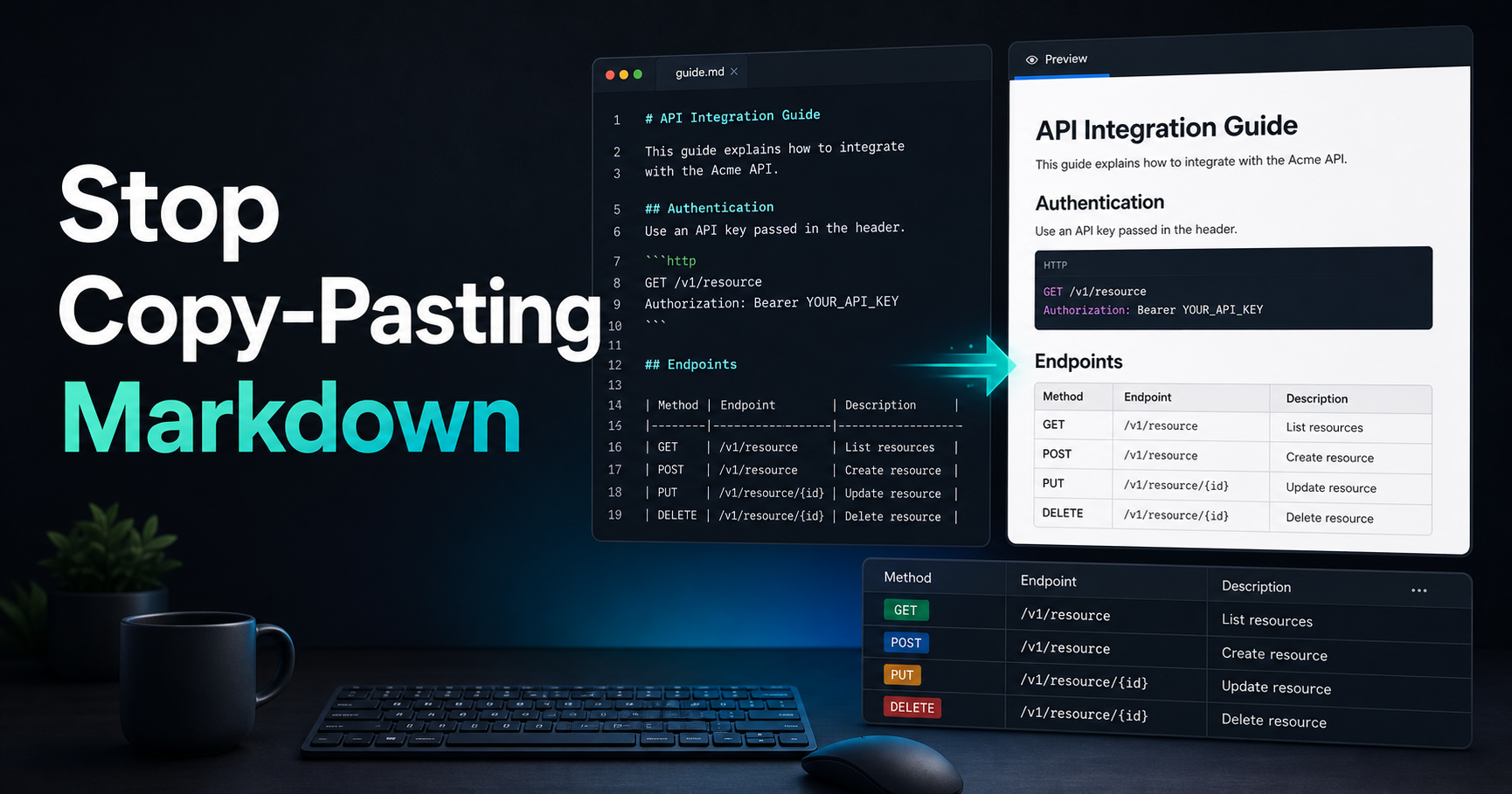
Still Copy-Pasting Markdown Until It Looks Right?
Markdown feels simple until a table breaks, a code fence eats half your README, or a list renders differently in your docs platform than it did in your editor. If your workflow is "paste, refresh, fix, repeat", you are spending attention on formatting instead of writing.
A better Markdown workflow is small and boring: preview early, generate tables deliberately, and check the rendered output before you commit. This article shows how to do that without heavy tooling or a dedicated documentation pipeline.
Why Markdown Breaks in Real Projects
Markdown is lightweight markup, which means it is readable as plain text but still has rendering rules. The catch is that different platforms add their own flavor. GitHub, GitLab, npm, static site generators and internal docs tools can disagree on tables, task lists, HTML blocks and line breaks.
The biggest mistakes are usually mundane: missing blank lines before headings, unclosed code fences, tables without separator rows, or long cells that are impossible to review in raw text. These are easy to miss in a pull request because the source still looks "roughly right".
| Tool | Use case |
| --- | --- |
| Markdown Previewer | Check rendered docs before commit |
| Markdown Table Generator | Build tables without manual pipe edits |
Preview Before You Commit
A rendered preview turns the raw Markdown into the HTML-like output your users will actually read. That makes layout bugs visible: headings, nested lists, table alignment, links, emphasis and code blocks all become easier to inspect.
You do not need to move your whole docs workflow into a CMS. Paste the draft into a previewer, scan the rendered result, then return the fixed text to your editor. For quick checks, try the Markdown Previewer and keep your source and rendered output side by side.
Stop Editing Tables by Hand
Markdown tables are readable when they are small, but manual pipe editing gets painful as soon as a row has long content. One missing separator or extra pipe can turn a table into plain text.
Use a table generator when the table matters. Define the headers, rows and alignment, then copy the result into your docs. The Markdown Table Generator is useful for comparison tables, README option lists, API field references and release notes.
⚠️ Warning: Always preview generated tables in the target platform when the table contains long text, inline code or links. Markdown table support is common, but wrapping behavior still varies.
A Simple Markdown Review Checklist
Before you publish or merge Markdown, check the rendered page rather than only the source. Look for broken links, headings that skip levels, code fences that capture too much content, and tables that collapse on narrow screens.
For team docs, make this part of review culture. A clean Markdown file saves future readers time and makes your repository feel maintained.
Resources
Conclusion
Markdown is not hard, but sloppy Markdown creates friction in docs, READMEs and handoffs. Preview early, generate tables intentionally, and review the rendered result before shipping.
Try it now with the Markdown Previewer, then build clean tables with the Markdown Table Generator.