
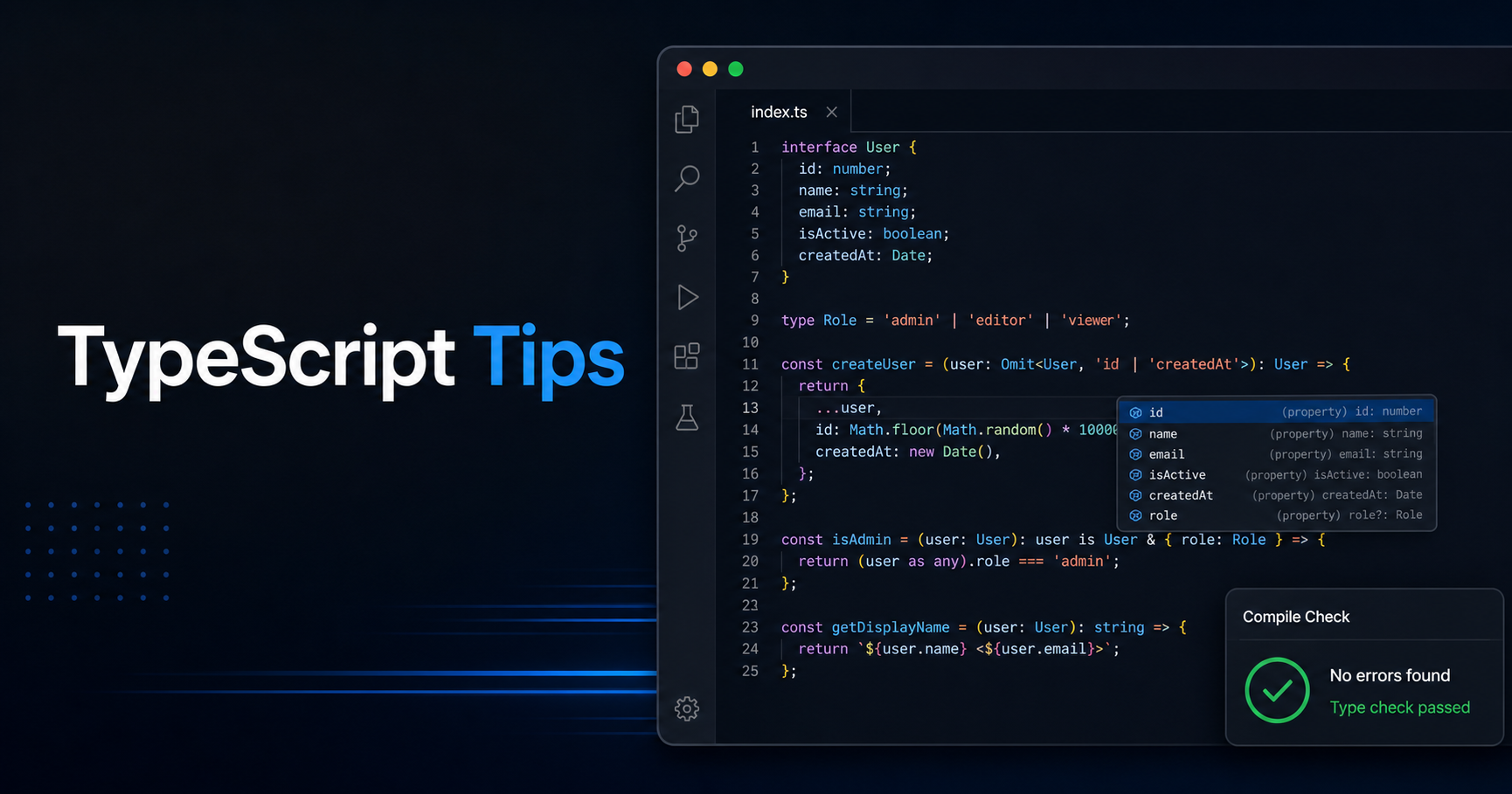
TypeScript Helps Most When You Let It Be Specific
TypeScript is not only about adding string and number to JavaScript. Its real value appears when you model uncertainty clearly: data from APIs, optional fields, impossible states and functions that should not accept "almost correct" input.
This article collects practical TypeScript tips you can apply in everyday web development without turning your codebase into type gymnastics.
Prefer Unknown at Boundaries
Anything that comes from the outside world should start as unknown: API responses, localStorage values, query params, pasted JSON and third-party SDK output. unknown forces you to validate before use, while any lets unsafe assumptions spread through the app.
A good rule is simple: parse and validate once at the boundary, then pass typed data deeper into your code.
type User = {
  id: string
  email: string
}

function parseUser(value: unknown): User | null {
  if (
    typeof value === "object" &&
    value !== null &&
    "id" in value &&
    "email" in value &&
    typeof value.id === "string" &&
    typeof value.email === "string"
  ) {
    return { id: value.id, email: value.email }
  }

  return null
}
Use Discriminated Unions for UI State
A discriminated union models states that cannot happen at the same time. Instead of loading, error, data and empty booleans that can conflict, use one status field.
This makes rendering safer because TypeScript narrows the available fields based on the current status.
type RequestState<T> =
  | { status: "idle" }
  | { status: "loading" }
  | { status: "success"; data: T }
  | { status: "error"; message: string }
Let Inference Work, Then Add Names Where They Help
You do not need to annotate every variable. TypeScript is excellent at inferring local values, return types and arrays. Over-annotating can make code noisier and sometimes hides better inferred literal types.
Add explicit types at boundaries: exported functions, component props, API responses, shared utilities and domain objects. Inside a small function, let inference breathe.
Make Invalid Input Hard to Represent
If a function expects a limited set of values, encode that in the type. String unions are simple and powerful.
type LogLevel = "debug" | "info" | "warn" | "error"

function log(level: LogLevel, message: string) {
  console[level === "warn" ? "warn" : "log"](message)
}
⚠️ Warning: Types do not validate runtime data by themselves. TypeScript disappears after compilation, so user input and API responses still need runtime checks.
Resources
Conclusion
Good TypeScript is not about making every type clever. It is about making data boundaries honest, UI states explicit and invalid inputs harder to pass around.
Keep this checklist close the next time you format JSON, compare payloads or review API data in DevKnightUtils.